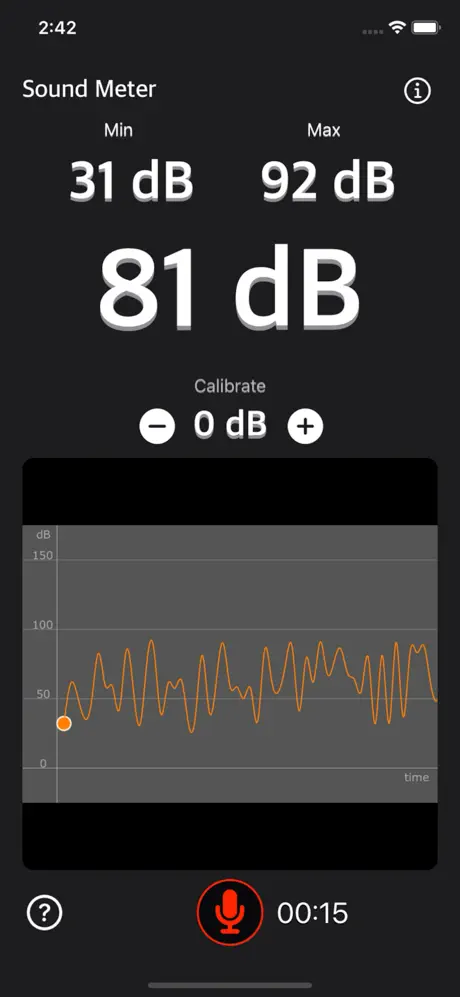
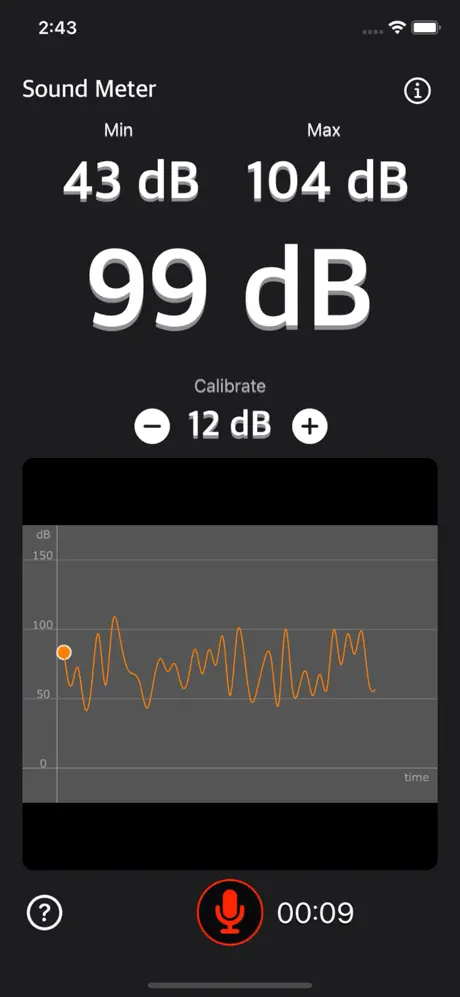
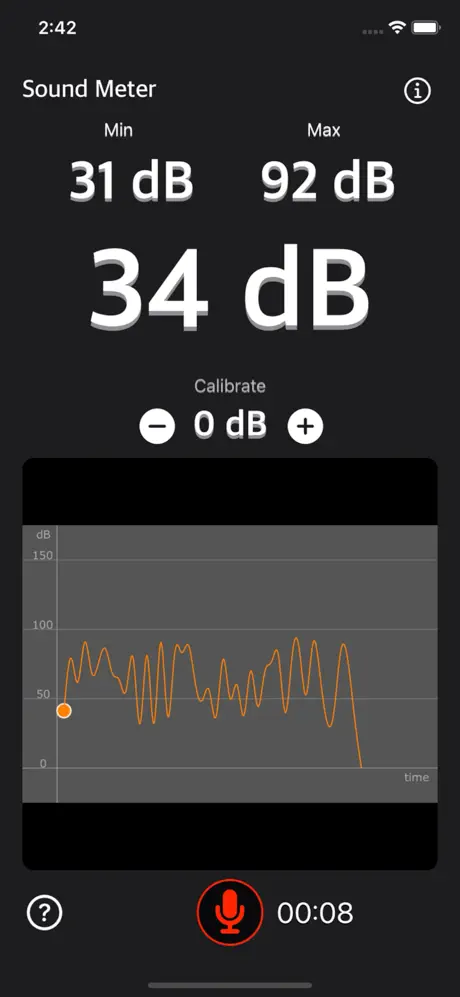
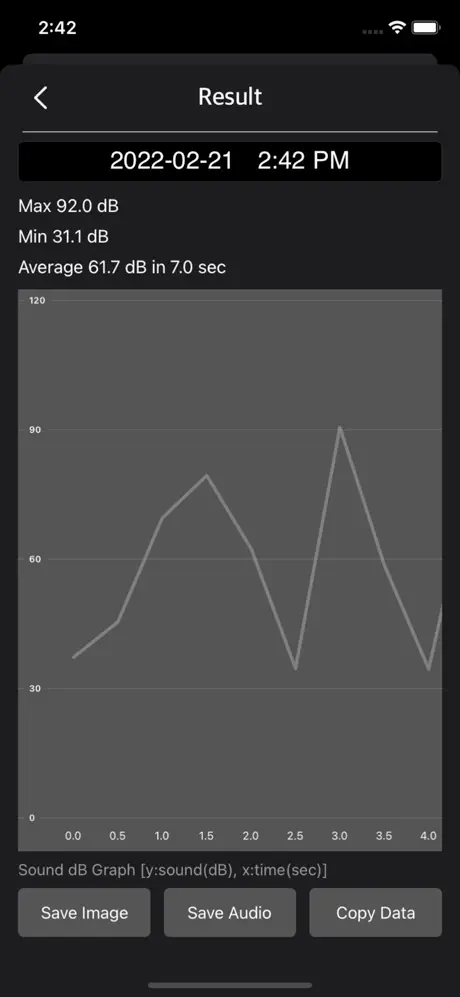
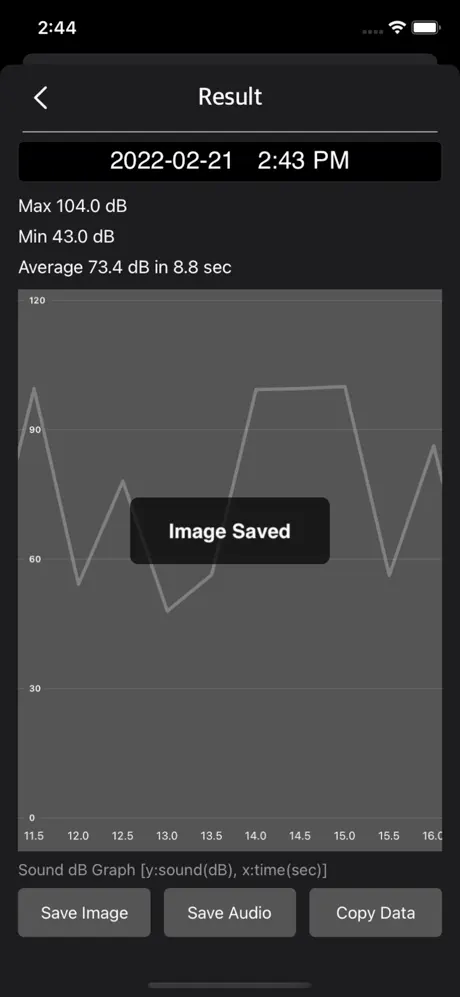
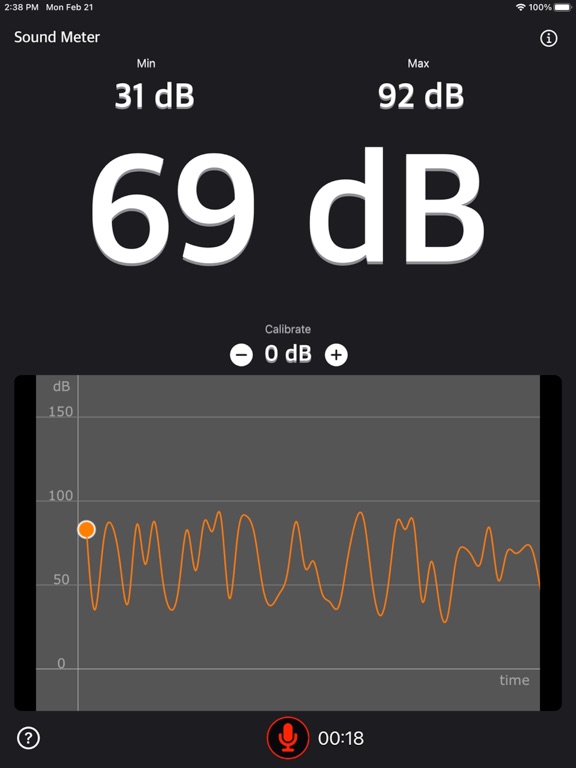
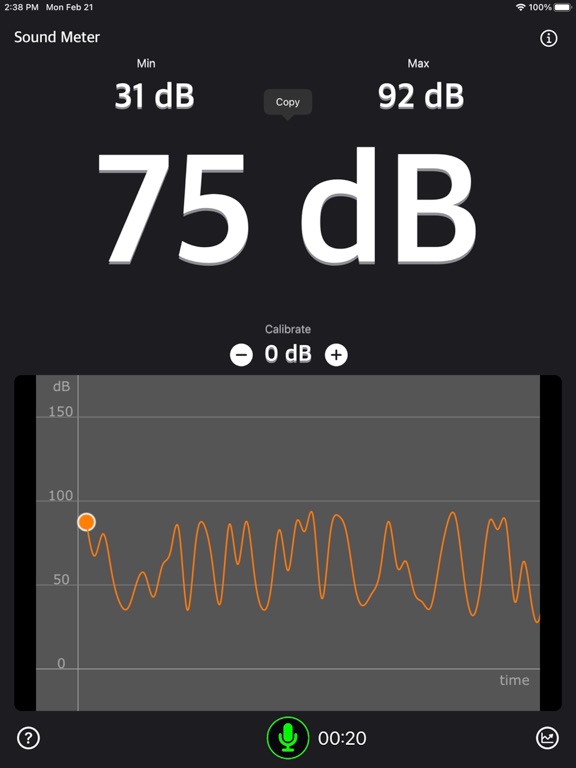
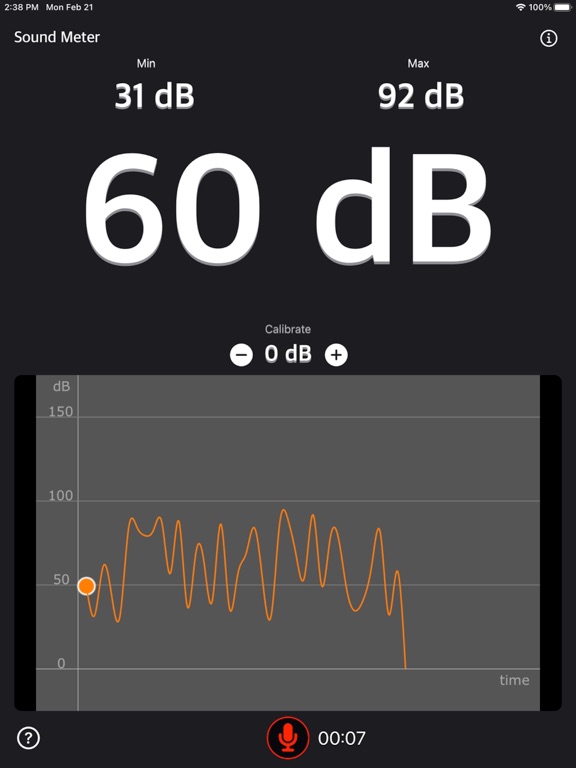
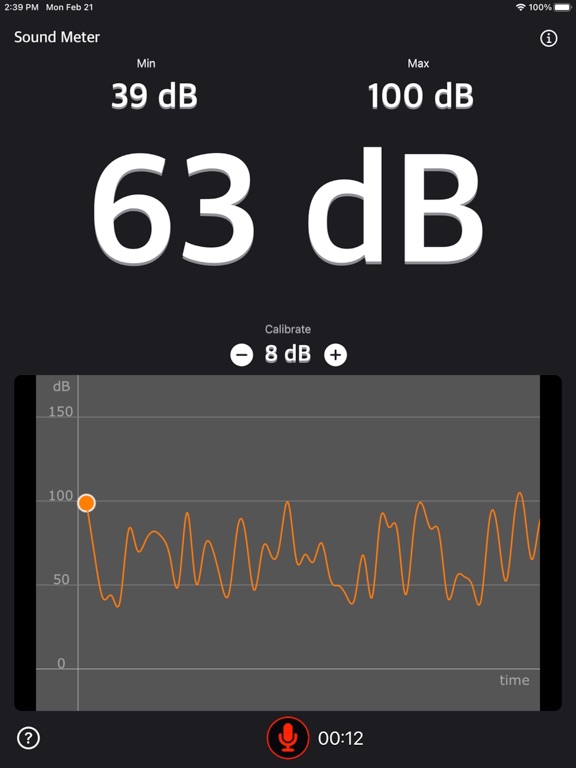
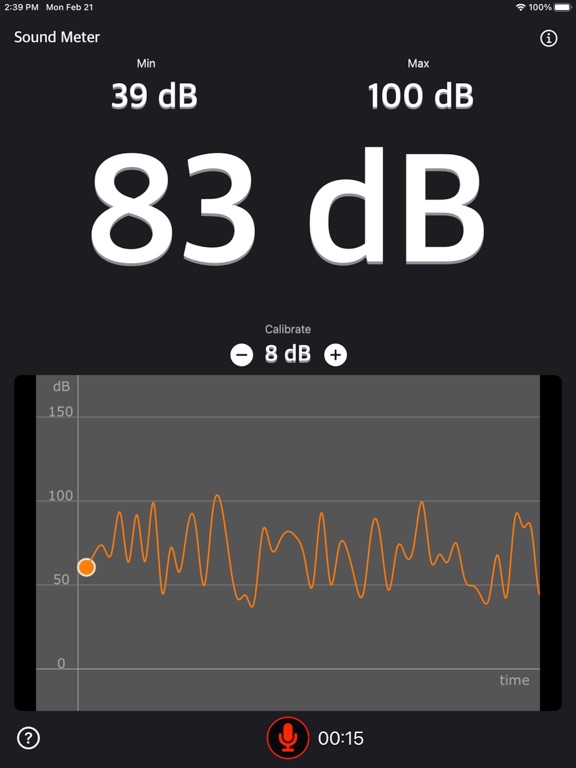
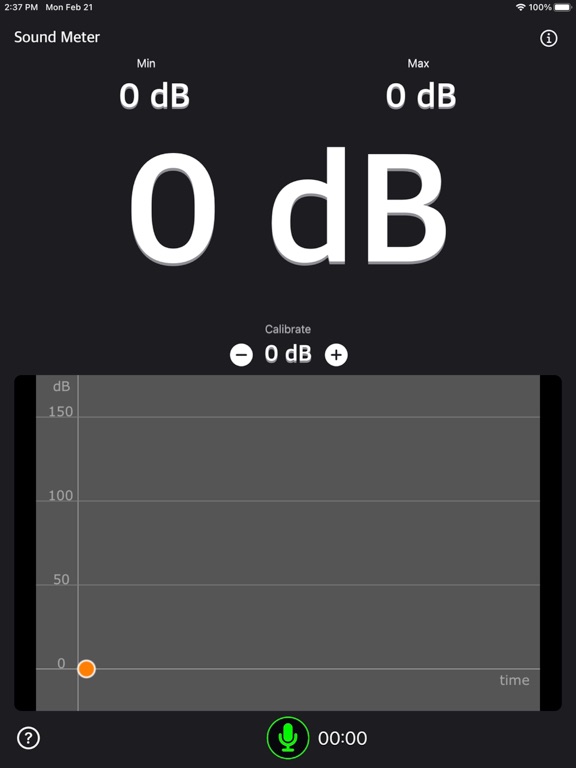
Sound Meter is a utility tool that shows decibel values by measuring the environmental noise, displaying dB values in various forms.
Features:
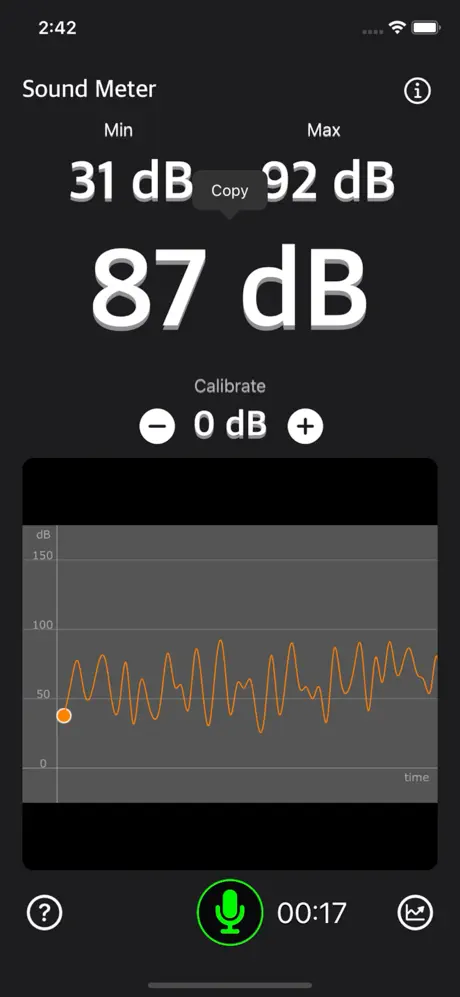
• Toggle tap to start or stop recording sound data
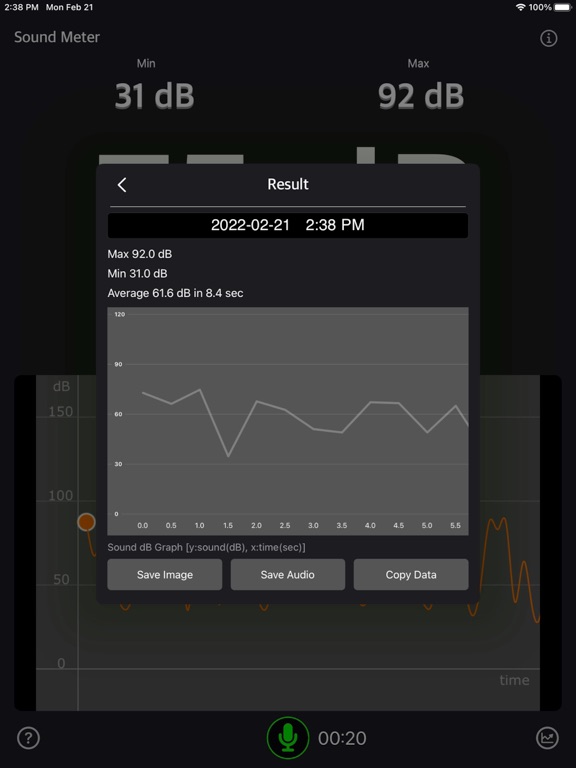
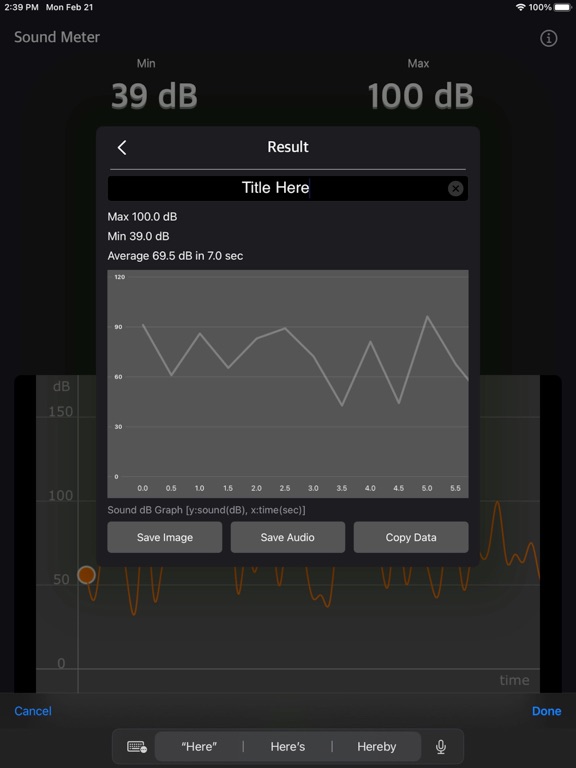
• Save dB sound data image into Camera Roll
• Save recorded sound into the Files app
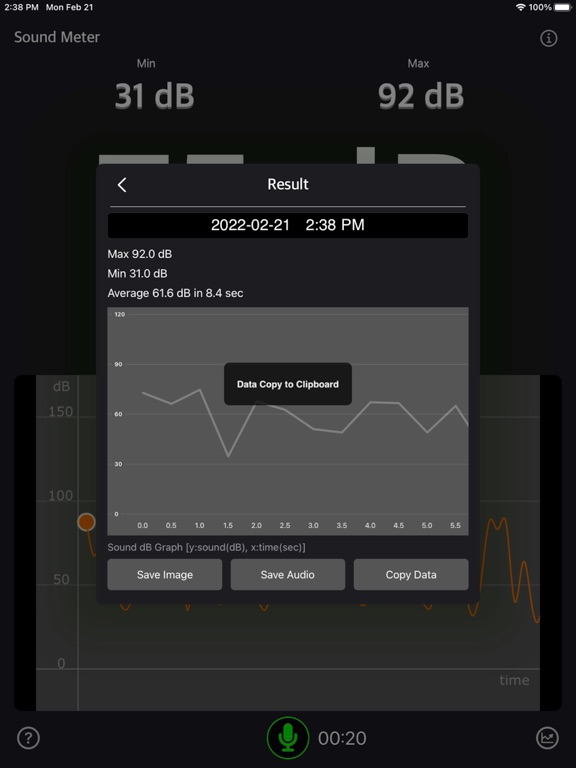
• Copy dB sound data to Clipboard for advanced operations
• Show average, minimum, and maximum decibel values per second
• Indicate decibel levels with a graph line
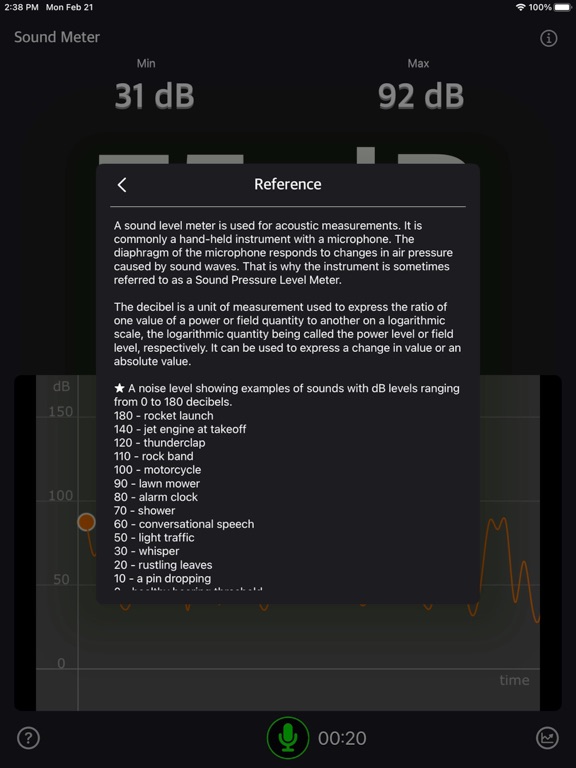
• Display the current noise reference
• Display decibel levels with a graph line
• Display elapsed time of decibel readings
• Calibrate the decibel readings
A sound level meter is used for acoustic measurements. It is commonly a hand-held instrument with a microphone. The diaphragm of the microphone responds to changes in air pressure caused by sound waves. That is why the instrument is sometimes referred to as a Sound Pressure Level Meter.
The decibel is a unit of measurement used to express the ratio of one value of a power or field quantity to another on a logarithmic scale. This logarithmic quantity is called the power level or field level, respectively. It can be used to express either a change in value or an absolute value.
A noise level chart showing examples of sounds with dB levels ranging from 0 to 180 decibels:
180 – Rocket launch
140 – Jet engine at takeoff
120 – Thunderclap
110 – Rock band
100 – Motorcycle
90 – Lawn mower
80 – Alarm clock
70 – Shower
60 – Conversational speech
50 – Light traffic
30 – Whisper
20 – Rustling leaves
10 – A pin dropping
0 – Healthy hearing threshold
Sample Sound Data:
\[50.256, 51.245, ..., 65.359]
You can calibrate your device with an actual sound meter (dBA).
Microphones in most devices are limited and should be used as auxiliary tools.
For more accurate dB values, we recommend using a dedicated sound level meter.
Thanks for your support! Visit nitrio.com for more apps for your iOS devices.